

This step-by-step tutorial will show you how to install the Old Movies App on Firestick, Fire TV, and Android TV Box.
Old Movies is a new Streaming App that features hundreds of classic films within a variety of genres.
Whether it’s westerns from the early 1900s, classic thrillers, or vintage sci-fi films, the Old Movies App has all the classics!
Many of these same films can also be found within our updated list of Best Public Domain Movies.
This app features a simple interface, which allows for smooth navigation.
Old Movies is available for installation on the Amazon Firestick, Fire TV, Fire TV Cube, and all Fire TV devices.
This app is also available for those using the MECOOL Box, NVIDIA Shield, Chromecast with Google TV, or any Android TV Box within the Google Play Store.
Old Movies App – Google Play Store
Since Old Movies is not available within the Amazon App Store or Google Play Store, we will need to side-load this application onto our device using the Aptoide TV store.
Hide Your Digital Fingerprint
Aptoide TV is a Google Play Store alternative that carries thousands of 3rd party apps.
Important Note: The Old Movies App does not provide Real-Debrid or Trakt integrations. We suggest viewing our best APKs list below for compatible streaming options.
Old Movies App Screenshots
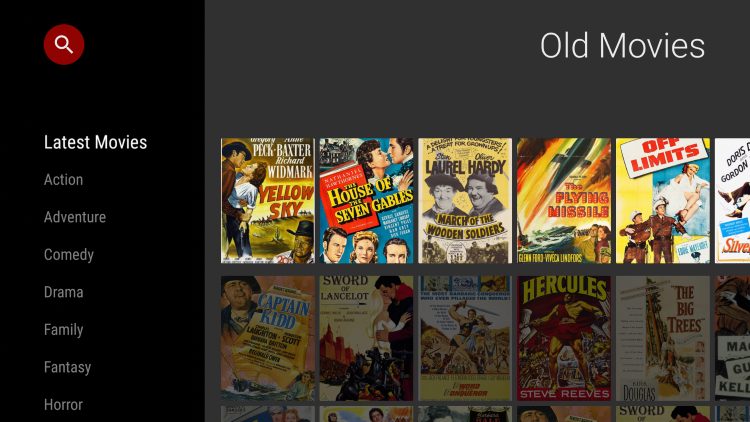
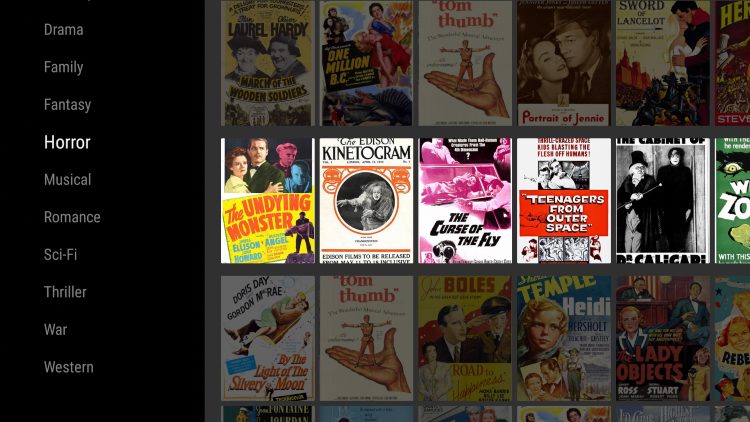
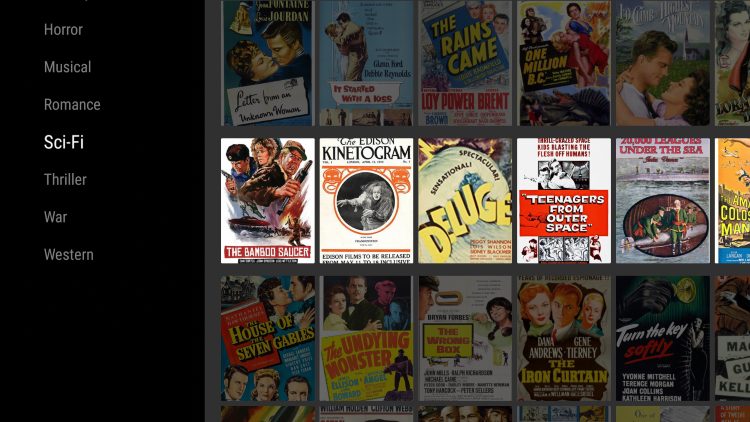
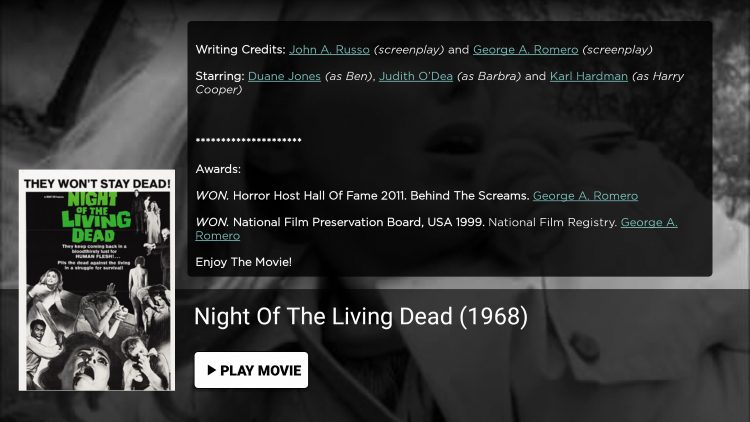
Use the steps below to install Old Movies on your preferred Streaming Device.
How To Install Old Movies App On Firestick/Fire TV Guide
1. Install Aptoide TV on your device using their official website or by viewing our tutorial below.
2. After installing Aptoide TV you will need to enable unknown sources for this app. From the home screen click My Fire TV.

3. Choose Developer Options
Exclusive Surfshark Discount
Warning: Your online activity is currently monitored by your ISP, app/addon/IPTV developers, government agencies, and the websites you visit.
- Become 100% anonymous while streaming and downloading.
- Use on Unlimited Devices & share 1 account with the entire family.
- Save 87% with the 24-Month Plan + Get 3 FREE Months.

4. Click Install unknown apps

5. Locate and click Aptoide TV to turn on unknown sources

6. Launch Aptoide TV and click the search icon

7. Type in “old movies” and click Next

8. Then select the Old Movies – Oldies but Goodies app under All results.

9. Click Install
Big Tech is Scanning Your Emails
Stop letting free providers read your private messages to build advertising profiles on you. Take back your digital privacy with a secure, ad-free inbox.

10. Click Install again

11. Wait a few seconds until you receive a message saying “installation of Old Movies finished.”

12. That’s it! You have successfully installed the Old Movies App.

Old Movies App Features & Details
Old Movies is a simple application with one-click play for hundreds of older movies.
The genres of movies include Latest Movies, Action, Adventure, Comedy, Drama, Family, Horror, Romance, Sci-Fi, Thriller, War, Western, and much more.

When selecting a film you will notice the detailed overview for each movie and a one-click play option.

Unfortunately, since there is no Settings option, this app also does not allow for the use of external video players such as MX Player or VLC Media Player.
However, the internal media player seems to be working fine as of this writing.
Give the Old Movies App a try today on your preferred streaming device!
Old Movies App FAQ
What is the Old Movies App?
Old Movies is an app available for installation on streaming devices to watch thousands of older movies for free.
Is the Old Movies App legal?
Yes. Old Movies is legal to install and use. However, some content provided may be illegal. To ensure you are not illegally streaming, make sure to only watch Movies and TV Shows in the public domain.
How Do I Download Movies from Old Movies?”
To download movies on a Firestick, simply choose your preferred content and select the download option. If you are downloading then make sure you are using a VPN to encrypt your IP Address.
What devices can Old Movies be installed on?
The Old Movies App is available for installation on tons of devices, such as the Amazon Firestick which is the most popular streaming device available. Users can also download on Android and more.
This page includes affiliate links where TROYPOINT may receive a commission at no extra cost to you. Many times, visitors will receive a discount due to the special arrangements made for our fans. Learn more on my Affiliate Disclaimer page.


