

The MECOOL KM2 PLUS Deluxe is now available and this review will provide you with everything you need to know about this streaming box. It’s been awhile since we’ve seen a new Android TV/Google TV device from this company and it’s right in time for the holidays.
Below you will find a First Impressions Video that’s usually only available to TROYPOINT Patrons and Founding Members but this one is open to everyone.
MECOOL KM2 PLUS Deluxe First Impressions Video & Setup
Order New MECOOL KM2 PLUS Deluxe
Use “troypoint” discount code and save 10% at checkout.
This new box comes at the perfect time now that Amazon is hinting at the possibility of ditching Android and launch their own operating system on Fire TV systems. If that happens, many will flock to Android TV/Google TV solutions such as this. This migration has already started due to Amazon clamping down on various modifications such as the use of 3rd party launchers.
Features
- 4GB DDR4 RAM
- 32GB EMMC (internal storage)
- WiFi 6
- Gigabit LAN Port
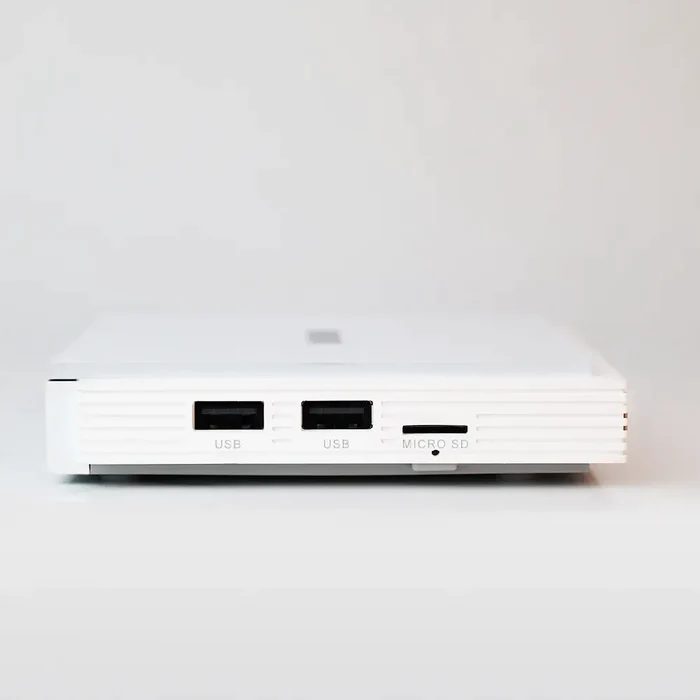
- 2 USB 2.0 Ports
- Micro SD Slot
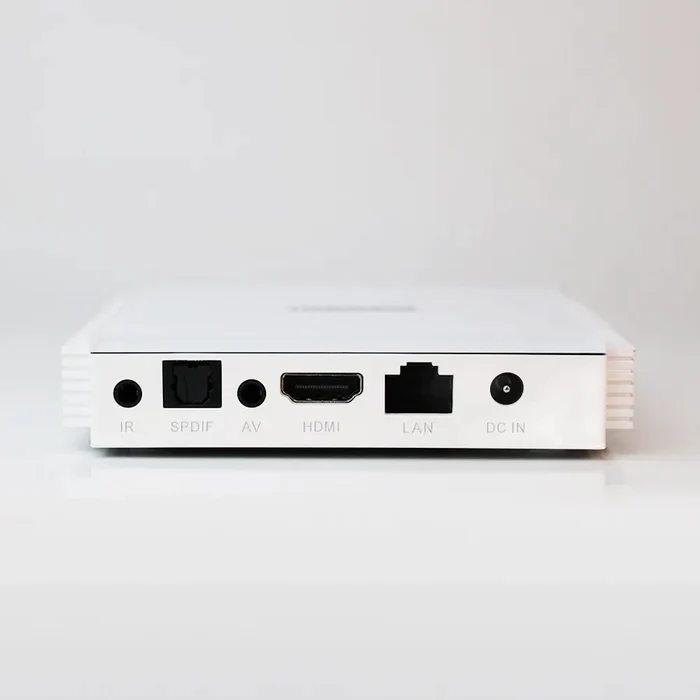
- IR Port
- SPDIF Port
- AV Port
- 4K HDR
- 4K Netflix
- Disney+
- Prime Video
- Google Certified Android TV 11
- Google Assistant
- Chromecast Built-In
- WiFi6 2.4G&5G, 2T2R, 1000M-LAN, BT 5.0
- Amlogic S905X4 Quad core ARM Cortex-A55, 24000 DMIPS
- ARM G31 MP2 GPU
- Dolby Atmos & Dolby Vision
- AV1 HDR support
- HDR10+, HDR10, HLG HDR Processing
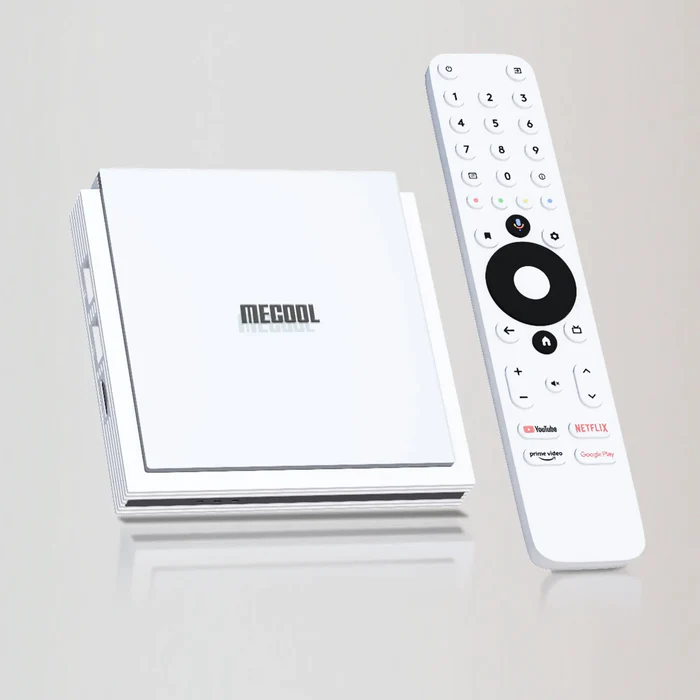
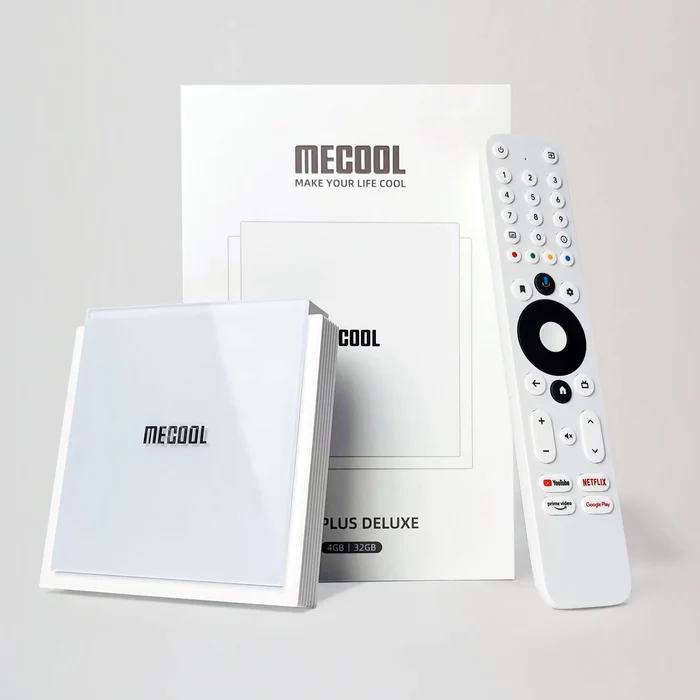
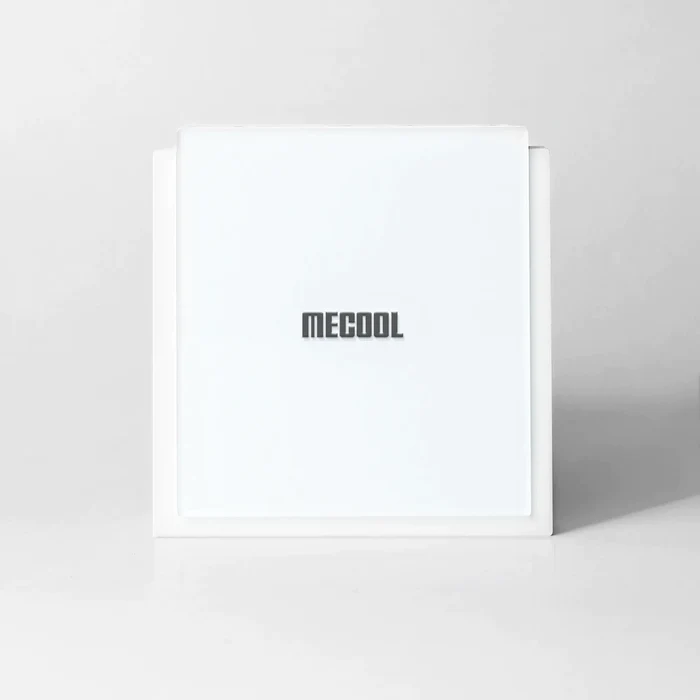
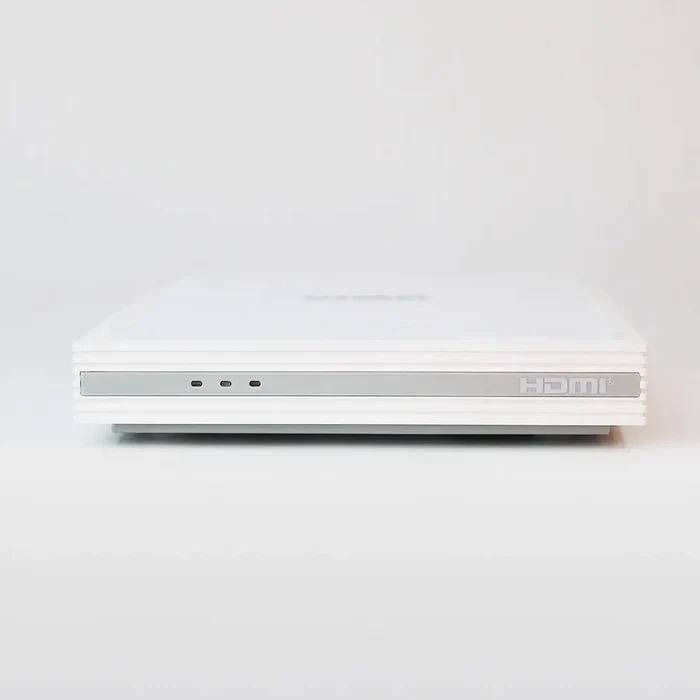
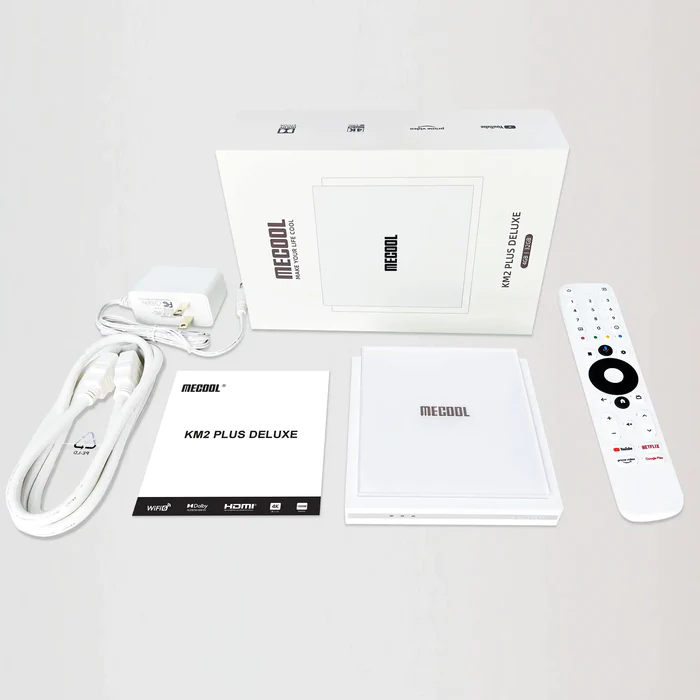
Product Images
Click/tap images to enlarge. Press browser back button to return to this page after viewing image.
Hide Your Digital Fingerprint
Initial Thoughts
I really like what I’m seeing with this new Android TV Box.
The price $139.99 appears to be a bit on the high side but when you compare this device to the Amazon Fire TV Cube or NVIDIA Shield, it’s probably about right.
Remember that you can get a 10% discount when using the discount code “troypoint” at checkout.
At first glance, I don’t see anything that I would change.
The biggest complaint regarding current Fire TV devices and Android TV/Google TV boxes is lack of internal storage.
Some may argue that the 32GB of internal storage isn’t enough but I would disagree. The internal storage should be used for applications and app data and I highly doubt that most people would exceed that. Keep in mind that external storage can always be added through the USB ports or Micro SD slot.

Sick of Slow, Rural Internet?
Whether you live out in the country or take your RV off the grid, Starlink delivers blazing-fast internet to areas that traditional providers ignore.
Check Availability & PricingDetails
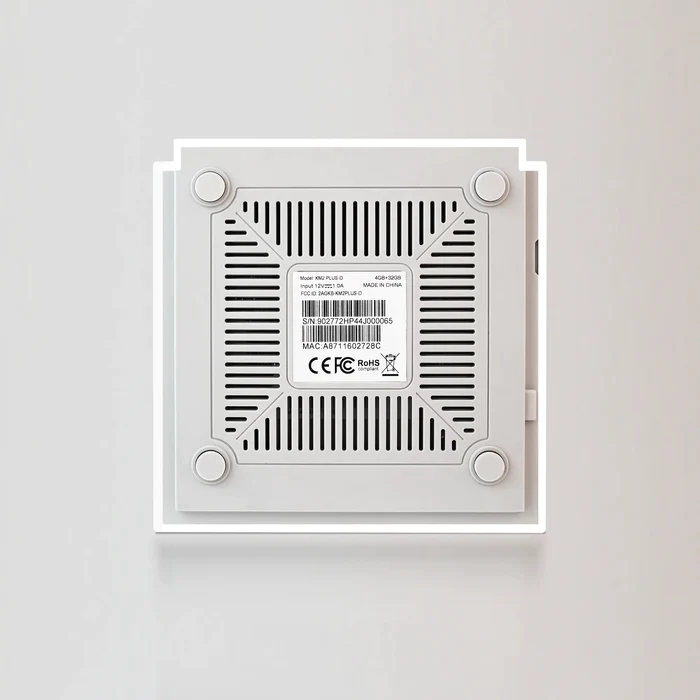
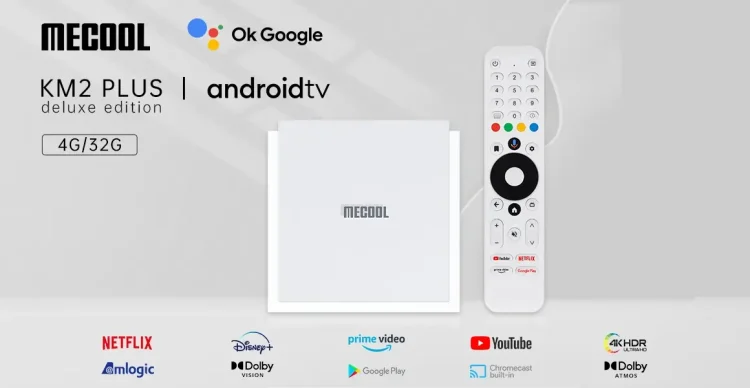
This photo describes the details of the new MECOOL KM2 PLUS Deluxe.
Exclusive Surfshark Discount
Warning: Your online activity is currently monitored by your ISP, app/addon/IPTV developers, government agencies, and the websites you visit.
- Become 100% anonymous while streaming and downloading.
- Use on Unlimited Devices & share 1 account with the entire family.
- Save 85% with the 24-Month Plan + Get 3 FREE Months.
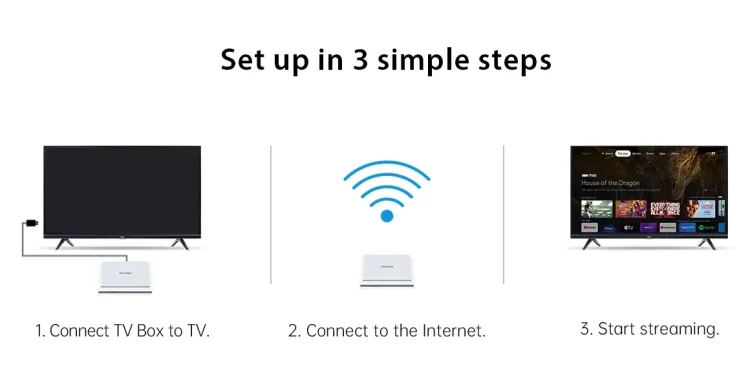
Simple Setup
As with all MECOOL systems, setup is always easy and my First Impressions Video above goes through all of this.
Upon initial setup, the only problem was that the remote wouldn’t pair properly with my Television. This is important so we can control the TV volume, power, and inputs with the MECOOL remote.
I reached out to MECOOL about this issue and they ensured me that this would be fixed soon. Here is their reply.
Hi Troy,
Glad to hear that you received the package!
There is a problem with the “set remote button” function of KM2 PLUS DELUXE.
That is caused by “Google has not yet successfully authorized the key for this part of the box.”
It can be solved after authorization from Google, and we are applying to Google.
Since I received the above message, MECOOL has released and APK that we can sideload to address this remote control issue. My video below shows how to install and setup the application.
Fix MECOOL KM2 PLUS Deluxe Remote Video
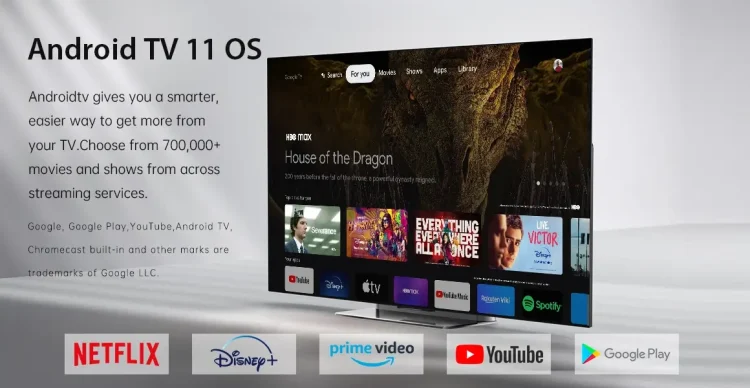
Android TV 11
The MECOOL KM2 PLUS Deluxe is running Android TV 11 but uses the Google TV user interface.
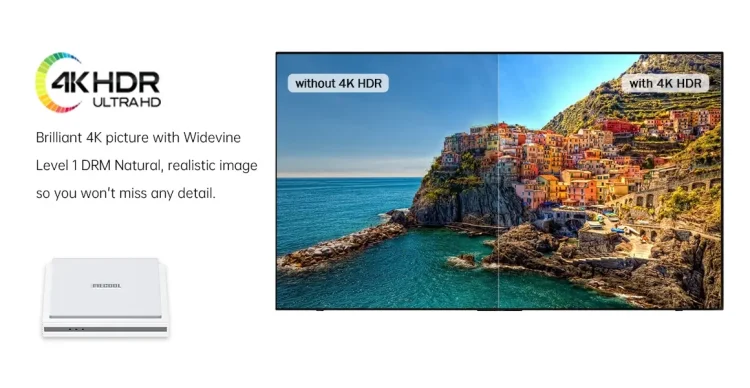
4K HDR Ultra HD
As with most streaming boxes, this Google TV box will support 4K HDR.
I tested all of the popular free streaming apps along with Netflix and Prime Video and all of them played buffer-free.
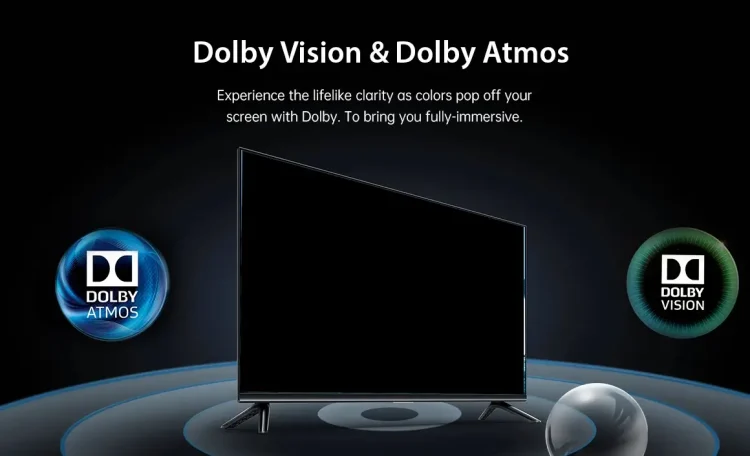
Dolby Vision & Dolby Atmos
Unlike the previous KM2, the PLUS Deluxe will support both Dolby Vision and Dolby Atmos.
Big Tech is Scanning Your Emails
Stop letting free providers read your private messages to build advertising profiles on you. Take back your digital privacy with a secure, ad-free inbox.
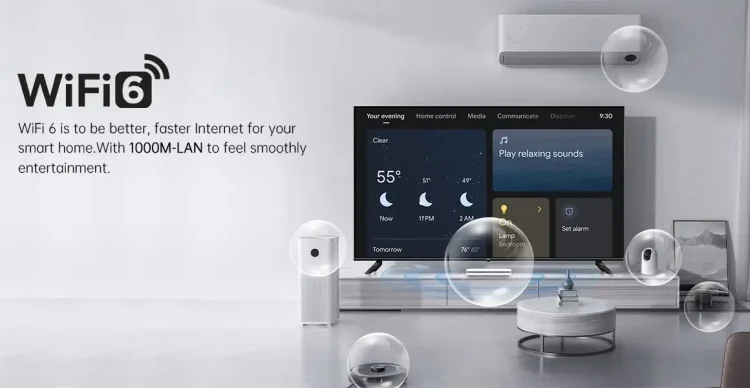
WiFi 6 & Gigabit LAN Support
WiFi 6 & Gigabit LAN port included for fast download speeds. You will find my speed download/upload speed tests below. They are blazing fast!
Google Assistant & Remote
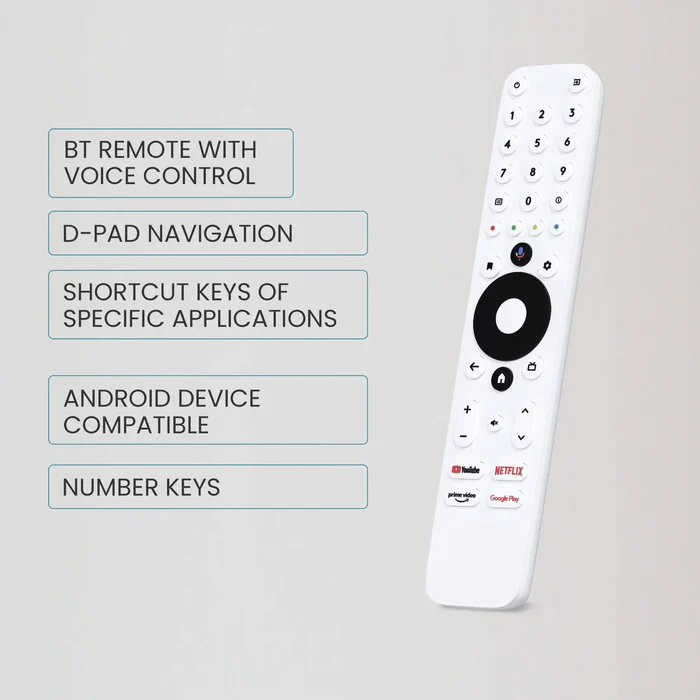
Google Assistant is included due to the fact that this is certified Android TV. Take a look at that remote control!
As I mention in my video above, I’m not a huge fan of the numbers on the remote as I personally won’t have any need for those.
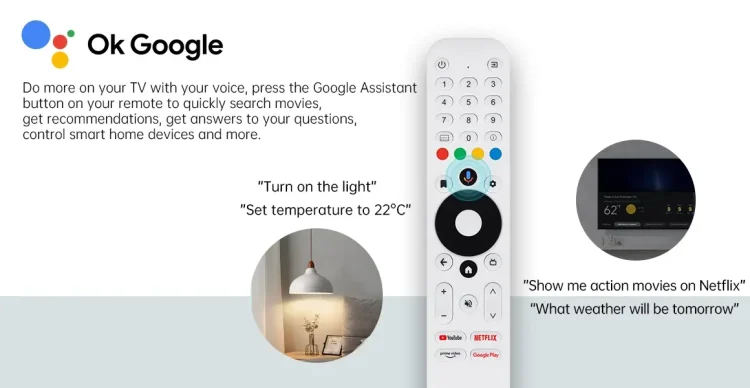
MECOOL introduced a built-in application that allows us to map the four buttons at the bottom of the remote. This is awesome! We can re-map the YouTube, Netflix, Prime Video, and Google Play buttons so they open other apps that we choose.

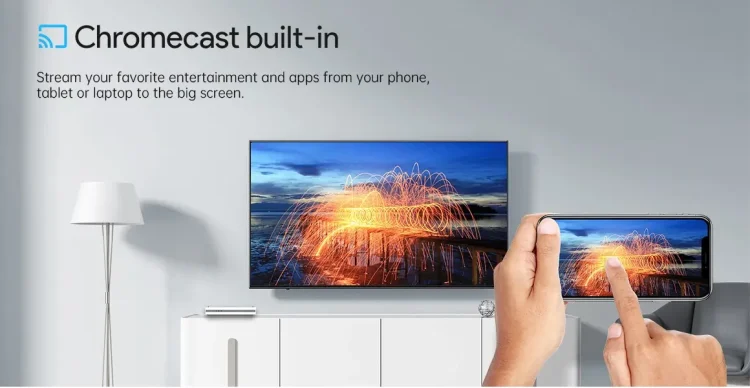
Chromecast Built-In
Chromecast works on this device which is important to those who like to cast videos/photos from their phones, tablets, PCs, etc.
I thoroughly tested this with my Google Pixel 7 Pro and it worked as it should with absolutely no problems whatsoever.
Game Ready
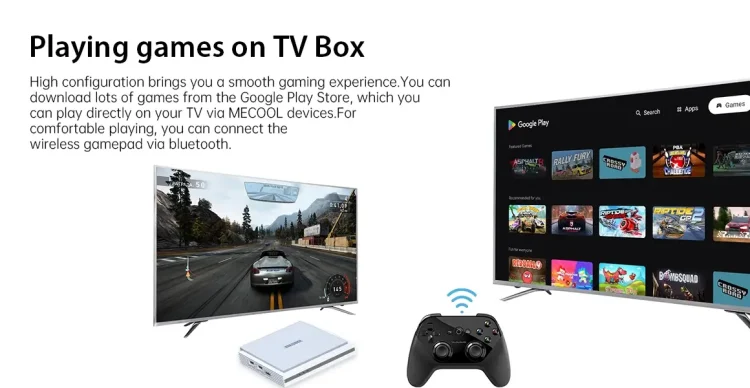
Connect a Bluetooth controller and turn this Android TV Box into a gaming machine!
I did test this on a few games that I’ve purchased from Google Play and they all worked flawlessly. I’m not a huge gamer so I didn’t test the high CPU intensive games. I still recommend the NVIDIA SHIELD TV Pro for those who are serious about gaming on their streaming devices.
Device Inputs & Outputs
The MECOOL KM2 PLUS Deluxe comes with the following ports.
- 2 USB 2.0
- Micro SD Card
- Gigabit
- IR
- 3.5mm AV
- Optical Out
- HDMI
- Power
This has everything that you would need but I wish they would have included USB 3.0 ports instead of 2.0.
The Gigabit port is a nice touch and will aid in playing large media files across a local network.
Sideloading Apps
Sideloading apps that aren’t available within Google Play works as it should.
I installed Surfshark VPN, Kodi, TiviMate, SmartTubeNext, and Launcher Manager through the TROYPOINT Toolbox and they all performed extremely well.

We always get the question whether these new devices will allow for sideloading 3rd party apps. We highly doubt that this option will ever be removed as the developers need a way to test their applications.
3rd Party Launchers
I installed my favorite launcher, ATV Launcher Pro, and set it as default with Launcher Manager.

It worked!
This is one of the best modifications that you can make on an Android TV/Google TV streaming system. It allows for customizing the user interface and gets rid of ads for streaming services that will never be used.
MECOOL KM2 PLUS Deluxe Download/Upload Speeds
I used the Analiti Speed test app for the following tests.
I have one GB Fiber download speed plan through my Internet Service Provider.
During the WiFi tests, I’m connected to the 5GHz band on my ASUS RT-AX86U Pro WiFi 6 Router. This router resides in the same room as the new Android TV Box (approximately 20 feet away from the wireless router).
I’m using Surfshark VPN as my VPN on Chicago Server.
Gigabit Speed Tests

Surfshark VPN Off: 480 Mbps download & 110 Mbps upload
Surfshark VPN On: 146 Mbps download & 96 Mbps upload
WiFi 6 Speed Tests

Surfshark VPN Off: 570 Mbps download & 243 Mbps upload
Surfshark VPN On: 166 Mbps download & 111 Mbps upload
The wireless download speed is the best I’ve ever seen on any streaming device that I’ve reviewed! It’s surprising that the speeds are better on WiFi than when connected to Gigabit.
Both tests above get an A+ from me.
Expanding Internal Storage
The KM2 PLUS Deluxe comes with 32GB of internal storage so most probably won’t need to expand but I still want to test it.
Usually I connect a USB flash drive for testing purposes but this time I changed things up a bit.
I connected a Samsung 860 EVO 500GB SSD with an SSD to USB adapter. I wanted to use an SSD as it’s going to be more reliable for the main reason I want to use it later in this review. I will try pairing it up with the IPTV Player TiviMate and test how well recording works on the KM2 PLUS Deluxe.
You will see that the drive is recognized after plugging it into the Android TV Box.

I then formatted it as device storage.

Formatting. The true name of the hard drive is labeled as JMicron and that must be who Samsung uses to build these SSD drives.

After doing this, I was able to move apps to the external SSD drive with ease.
Unfortunately, I’ve noticed that the drive automatically ejects from time-to-time. I’ve always stated that expanding internal storage comes with problems and this is one of them. More than likely, the issue has to do with the Android TV operating system.

Recording in TiviMate
TiviMate is the most popular IPTV Player and I know we will have questions about recording.
Since Android 10 we’ve had nothing but problems with writing to external drives and this poses a problem for recording in TiviMate.
Usually expanding internal storage takes care of that problem but as I mention above the drive ejects from time to time which creates an error while recording. The drive will reconnect after rebooting the device, but if you’re in the middle of a recording when it ejects, recording will stop.
You will see in the image below that I recorded a TV show on the same channel and both of them resulted in an error due to the ejection.

I personally record to my Windows PC with SMB within TiviMate as it’s been more dependable than external storage for me. Thankfully, due to the video-on-demand streaming options, there’s no longer a huge need to record.
How to Record IPTV with SMB on TiviMate
As mentioned earlier, these problems stem from the newer Android security settings that don’t allow us to use external storage like we previously could.
The above shows what I recorded resulted in approximately 4GB of space and that was for 3 hours of recording time. You can always use the internal storage to record, you just won’t have as much space as an external drive would. Keep in mind that this device comes with 32GB of storage so you should have enough space for a few recordings.
I’m not a big fan of doing anything with USB drives on systems based on Android TV 10 and higher due to these ridiculous folder permissions.
Regarding the colored buttons on the remote, those can be customized within TiviMate! It almost seems as if the top section of the KM2 PLUS Deluxe remote was specifically designed for TiviMate.

Mouse Toggle Working
Many of us use applications designed for phones and tablets and we must use a mouse toggle for Android TV to navigate those apps.
Thankfully, the Mouse Toggle for Android TV which is available through the TROYPOINT Toolbox does work fabulously on the new MECOOL KM2 PLUS Deluxe.

Is MECOOL KM2 PLUS Deluxe Be Filled With Malware?
We see this question a lot for streaming devices that aren’t as popular as Amazon, Google, and NVIDIA.
MECOOL has been manufacturing Android TV Boxes for a long time and not once have we seen accusations of them inserting malware or viruses into the firmware or preinstalled applications. This company is becoming a big player in the Android TV/Google TV landscape and many TROYPOINT fans are already using their past models.
Also, the fact that these are Android/Google certified is another reason to believe that MECOOL is on the up-and-up. The malware infested Android TV Boxes that we’ve seen are always running stock Android or a hacked version of Android TV. They aren’t using certified Android TV/Google TV operating system on the generic boxes that have been flagged.
Final Thoughts
This is a fabulous Android TV Box!
Many will compare this to the NVIDIA SHIELD TV Pro but the SHIELD still has a more powerful processor but that’s going to be overkill for most people who just want to stream. The SHIELD is great for those who want to play CPU intensive games but we don’t need that type of power to stream movies, TV shows, and live channels.
My biggest complaint is lack of USB 3.0 ports. This would help for those who want to connect external hard drives.
The surprise for me is the blazing fast download speeds with both the WiFi 6 chip and Gigabit port. As mentioned in the video above while doing the download tests, it’s the fastest I’ve ever seen.
The primary concern with MECOOL is that we probably won’t see too many system updates but some would argue that’s actually a good thing. Let’s be honest, have you ever seen an Android TV update that made you say, “Wow?” Usually, it’s the other way around and they remove things that once worked such as the storage file permissions.
I rate this box 4.7 out of 5 stars.
Order New MECOOL KM2 PLUS Deluxe
Use “troypoint” discount code and save 10% at checkout.
What do you think about this new streaming device? Tell us in the comments below.
This page includes affiliate links where TROYPOINT may receive a commission at no extra cost to you. Many times, visitors will receive a discount due to the special arrangements made for our fans. Learn more on my Affiliate Disclaimer page.


